
SvipGems Game Registration Process for Beginners – Full Guide
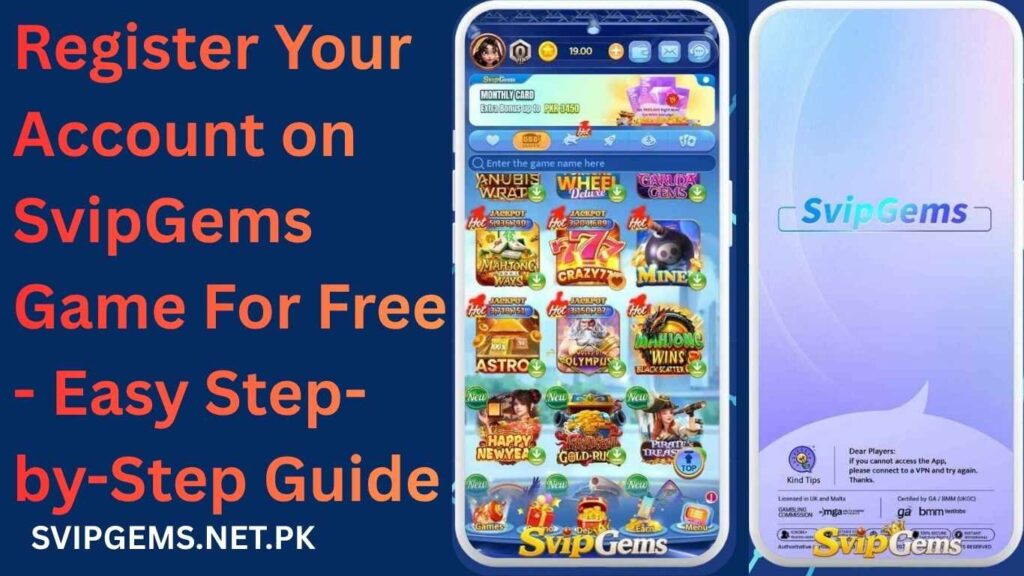
What Do You Need to Register for an Account?
Before you start, make sure you have the following ready:
|
Requirement |
Details |
|
Android Phone |
Version 5.0 or higher recommended |
|
Phone Number |
Active Pakistani SIM (Jazz, Telenor, Zong, Ufone) |
|
Internet Connection |
Stable 3G, 4G, or WiFi connection |
|
SvipGems APK |
Downloaded APK from svipgems.net.pk |
|
Email Address |
Optional but recommended for account recovery |
|
JazzCash / EasyPaisa |
Required for deposits and withdrawals later |
Having all of these ready will make the registration process smooth and quick.
SvipGems Game Registration Steps
Follow these simple steps to create your account:
How to Set a Transaction Password?
A transaction password is separate from your login password. It is required every time you make a withdrawal or transfer.
Follow these steps:
Important: Never share your transaction password with anyone. Store it somewhere safe offline.
How to Link Your JazzCash or EasyPaisa Wallet?
Linking your mobile wallet is essential for deposits and withdrawals. Here is how to do it:
|
Step |
Action |
|
Step 1 |
Open the app and go to My Account |
|
Step 2 |
Tap on Payment Settings or Wallet Binding |
|
Step 3 |
Select JazzCash or EasyPaisa |
|
Step 4 |
Enter your registered mobile wallet number |
|
Step 5 |
Confirm with your transaction password |
|
Step 6 |
Tap Save to complete the linking |
Make sure the wallet number matches the name on your CNIC (National Identity Card). Mismatched details can cause withdrawal failures.
Welcome Bonus After Registration
One of the best parts of joining SvipGems is the welcome bonus you receive right after completing your registration.
Here is what new users typically receive:
|
Bonus Type |
Details |
|
Welcome Bonus |
Credited automatically after first login |
|
First Deposit Bonus |
Extra reward on your first top-up |
|
Referral Bonus |
Earned if you used a referral code during sign-up |
|
Second-Day Login Bonus |
Small reward for returning the next day |
|
Spin Reward |
A free spin after your first deposit |
Tip: Always check the bonus terms before using them. Most bonuses come with wagering conditions.
Common Registration Problems and Fixes
|
Problem |
Fix |
|
OTP not received |
Check your network signal; request OTP again after 60 seconds |
|
Phone number already registered |
Use a different number or recover the existing account |
|
App freezing on the register screen |
Clear app cache and restart the app |
|
Referral code not accepted |
Make sure the code is entered correctly with no extra spaces |
|
Page not loading |
Switch between WiFi and mobile data and try again |
|
Password not accepted |
Use at least 8 characters with a mix of letters and numbers |
If none of these fixes work, contact 24/7 customer support through the in-app chat for direct assistance.
Conclusion
Creating your account on SvipGems is a quick and straightforward process. With just a phone number, a few simple steps, and a stable internet connection, you can complete your registration in under five minutes. Once registered, you unlock access to multiple games, daily bonuses, a VIP system, and real cash earning opportunities. Just make sure to set your transaction password and link your JazzCash or EasyPaisa wallet before you start playing.
Always play responsibly and never deposit more than you can comfortably afford.
FAQs
Is SvipGems registration free?
Yes, creating an account on SvipGems is completely free with no sign-up fee required.
Can I register without a Pakistani number?
The platform is primarily built for Pakistani users, and a local mobile number is required for OTP verification.
How many accounts can I create?
Only one account per person is allowed; creating multiple accounts may result in a permanent ban.
What bonus do I get after registering?
New users receive a welcome bonus automatically credited to their account after completing registration.
Is my personal data safe after registration?
The app claims to use basic data protection, but since it is not regulated, users should avoid sharing unnecessary personal information.
Can I change my phone number after registration?
Changing your registered number is generally not straightforward and requires contacting customer support directly for assistance.
SvipGems Game Registration Process — How to Create Your Account in a Few Minutes

Learn how to complete SvipGems Game Registration in minutes. Set up your account, link JazzCash or EasyPaisa, claim your welcome bonus & start earning today!
Price Currency: PKR
Operating System: Android 5.0
Application Category: Game
4.9